A mobile app for responding to non-verbal cues in advanced dementia.
MEAD helps caregivers record a short interaction, receive reviewed observations, and use them to guide the next interaction. This six-day concept was not clinically validated.
View the MEAD prototype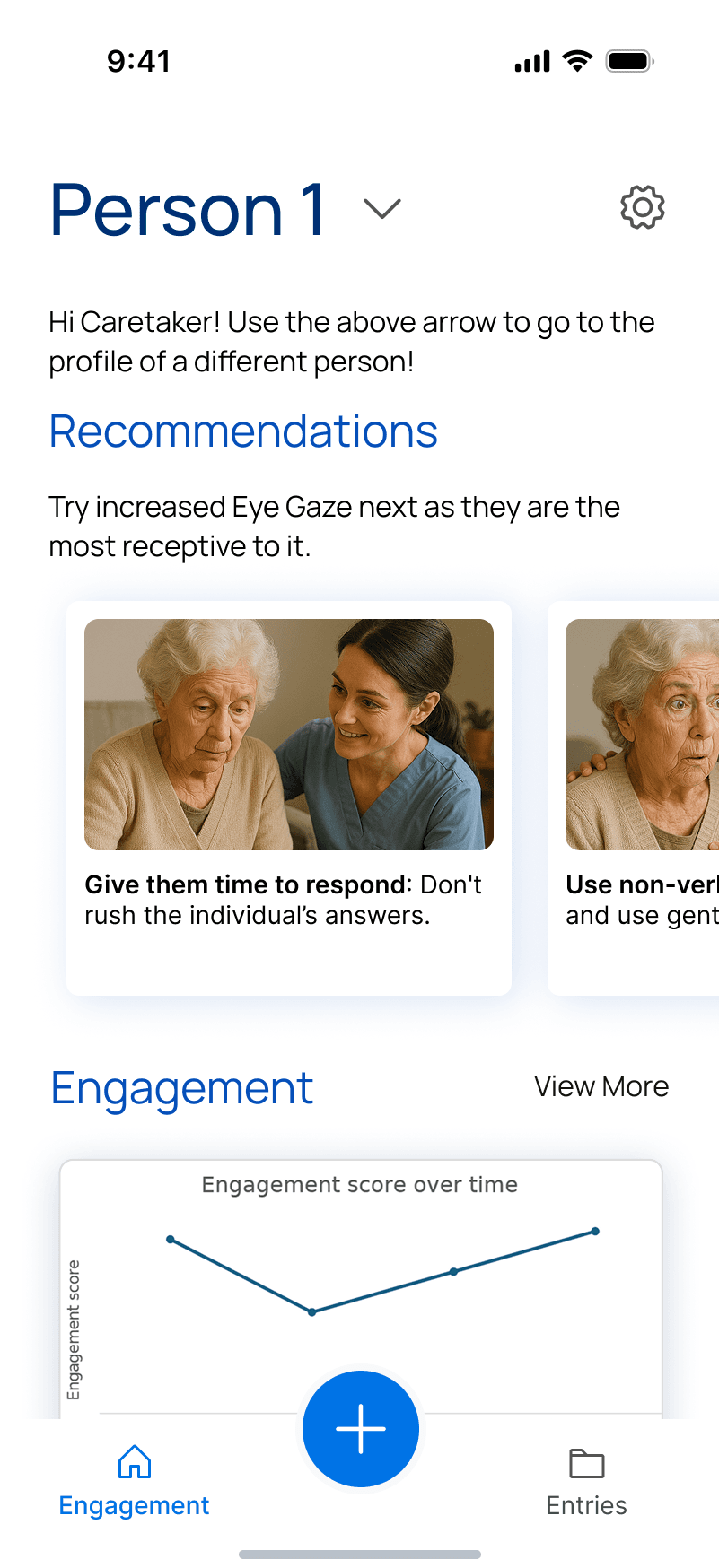
- Team and period
- 4 student designers · six-day sponsor sprint · May 2025
- My contribution
- Research synthesis, UX strategy, prototyping, and visual design
- Source workflow
- Epicollect5 video capture and expert review
- Evidence boundary
- Concept prototype; no testing with actual caregivers
Meaningful engagement is often non-verbal.
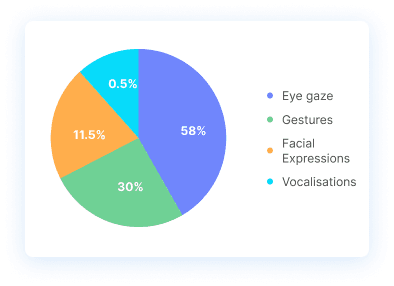
For people living with advanced dementia, meaningful engagement can appear through eye gaze, facial expression, gesture, or vocalisation. Capturing a video was the straightforward part. The real design problem was helping a busy caregiver notice those signals and act on them.
Where attention settles and how it shifts.
Visible responses such as smiling or contentment.
Movement, reaching, and physical response.
Sounds and other non-verbal communication.
The case in 30 seconds
The existing tool successfully collected short interaction videos for expert review. The experience broke down around that core task: adding an entry was hard to find, form progress was unclear, upload and deletion were manual, and caregivers received no feedback after contributing data.
- Problem
- Evidence left the care moment, but useful guidance did not return.
- Design response
- Connect verified access, in-app recording, protected transfer, and feedback in one person-centered flow.
- Result
- A high-fidelity mobile prototype spanning care-list setup, recording, entries, and engagement feedback.
The redesign addresses four breaks in the existing workflow.
The audit showed that collecting a video was possible, but finding the task, completing the transfer, and receiving useful feedback were not connected.
- Find the person
BeforeThe Add Entry action was difficult to locate.
PrototypeStart from a searchable care list with a visible access state.
- Record the interaction
BeforeRecording and form completion happened across separate steps.
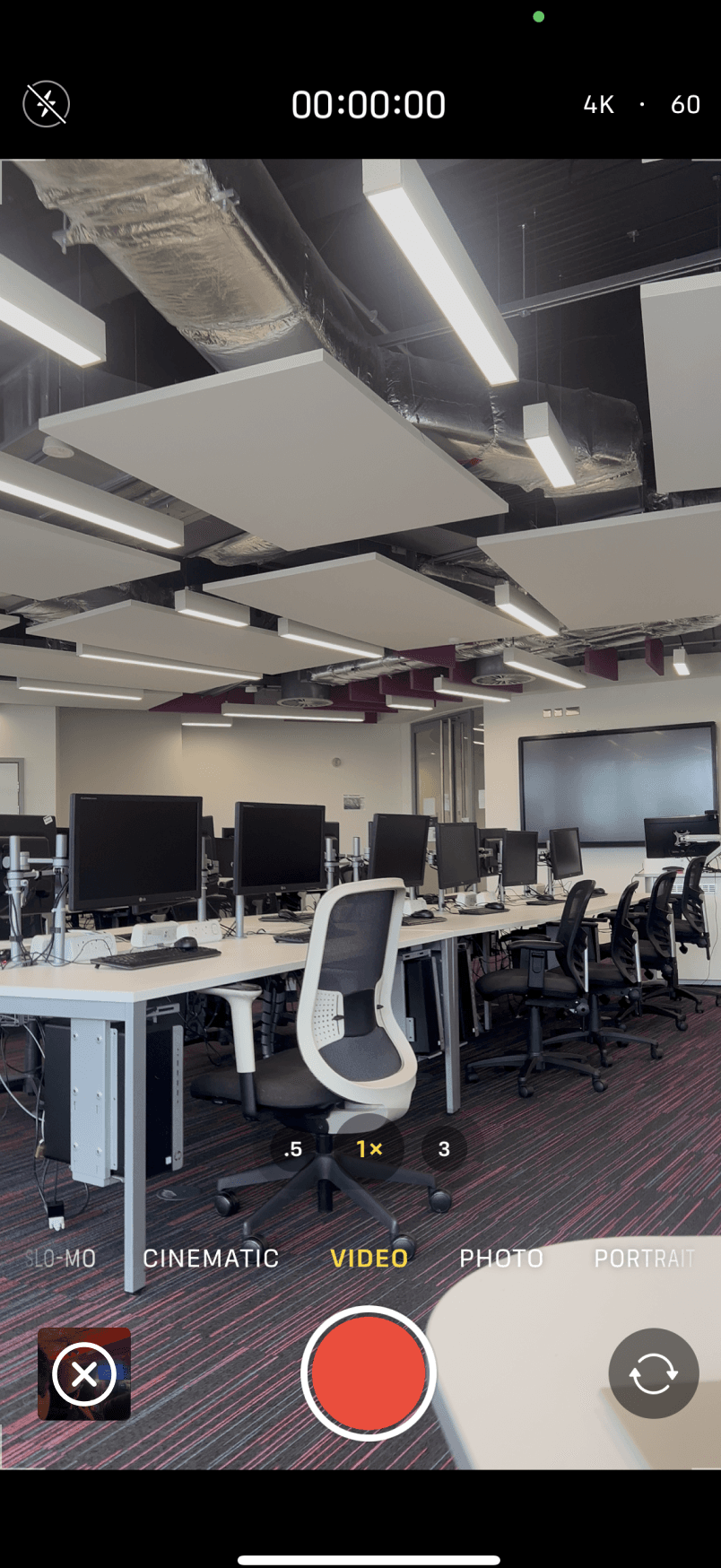
PrototypeRecord a new video from inside the person's entry flow.
- Complete the transfer
BeforeUploading and deleting the video required manual follow-through.
PrototypeMake upload status and post-transfer deletion explicit in the interface.
- Use the feedback
BeforeNo guidance returned to the caregiver after submission.
PrototypeShow how reviewed cues and suggestions could inform a later interaction.
Three design decisions respond directly to the audit.
Each decision connects to a documented problem in the Epicollect5 workflow. They describe the prototype response, not a validated outcome.
Put the person before the form.
In the existing tool, the Add Entry action was difficult to find and the form began before the caregiver had clear context.
The prototype starts with a searchable care list and shows the selected person's details and access state before recording.
Bring recording into the entry flow.
Caregivers previously had to record, upload, and delete video through separate manual steps.
The prototype places recording inside the mobile entry and makes the upload and deletion sequence visible instead of relying on memory.
Show what comes back after submission.
Epicollect5 collected videos for later expert analysis, but caregivers received no feedback through the product.
The concept shows how reviewed entries could return observable engagement cues and practical suggestions for a future interaction.
Three flows turn a recording into a useful return loop.
Each sequence is grouped around one caregiver outcome. Alternate states stay inside the task they explain instead of becoming a disconnected gallery.
What the prototype demonstrates
- A clearer mobile path from selecting a person to completing an entry.
- A concrete way to connect video capture with feedback for future interactions.
- A product direction that makes privacy and consent visible in the workflow.
The design is only useful if guidance returns.
The recording supports expert review, but the caregiver needs a clear next step in return. The sprint also made the project boundary explicit: privacy must be expressed through the workflow, and an encouraging prototype is not yet evidence strong enough for care practice.